
ROJECO Comedero automático para gatos, dispensador de comida para gatos inteligente con WiFi, control remoto, alimentador automático para comida seca para gatos y perros.


ROJECO Comedero automático para gatos, dispensador de comida para gatos inteligente con WiFi, control remoto, alimentador automático para comida seca para gatos y perros.
ESPECIFICACIONES
Batería incluida: No
Marca: ROJECO
Sustancias químicas de alto riesgo: Ninguna
Dispositivo inteligente: Sí
Pantalla LCD: Sí
Material: Plástico
Producción máxima: 1000 g
Producción mínima: 50 g
Origen: China continental
Tipo de enchufe: UE
Fuente de alimentación: Carga
Ajuste de tiempo: Sí
Tipo: Para gatos
Con dispensador de agua: No
Nota:
Si el comedero presenta una escasez anormal de alimento, actualice el sistema y reinicie el sensor como se muestra en este video. También puede contactar con el servicio de atención al cliente oficial de la marca para obtener videos instructivos.
Consejos útiles:
1. Ante cualquier problema, contáctenos primero. Le ayudaremos y no le dejaremos sufrir ninguna pérdida. Gracias.
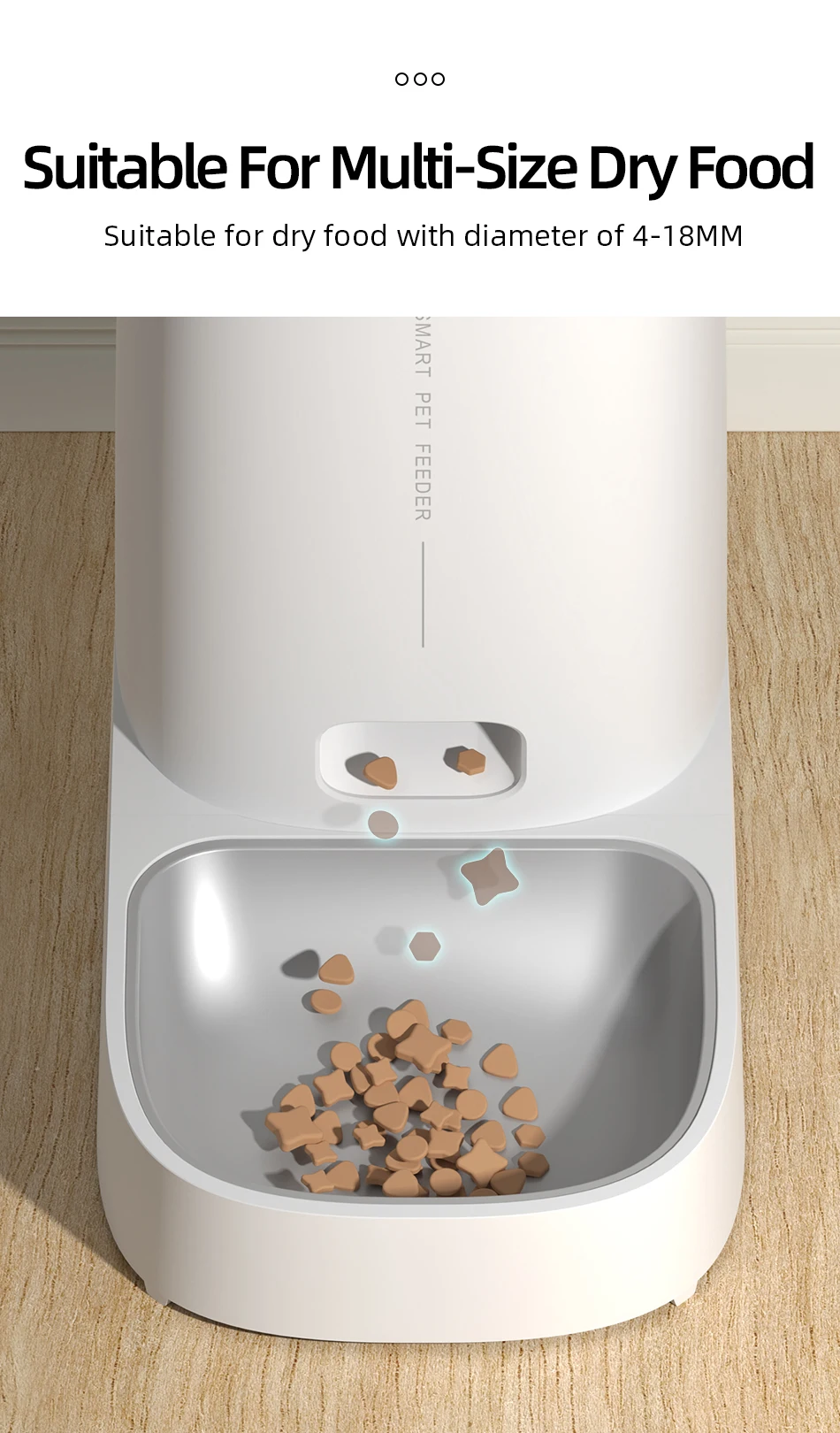
2. El alimento para mascotas debe ser preferiblemente seco, con un diámetro de 4 a 12 mm.
3. El teléfono móvil debe estar conectado a una red wifi de 2.4 GHz. Si tu wifi es de 5 GHz, configúralo a 2.4 GHz.
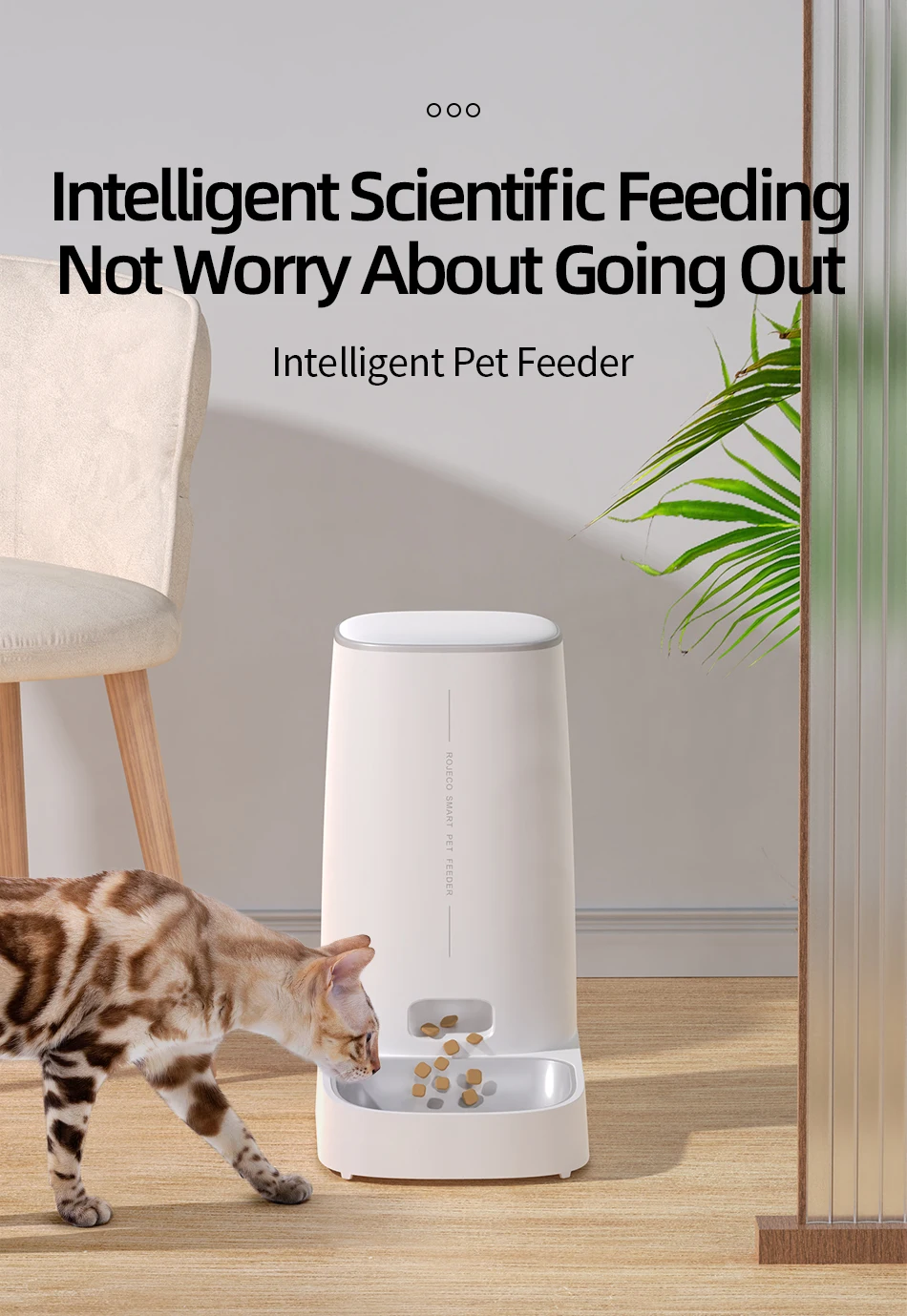
¿Te imaginas una casa con mascotas y nadie en casa? Las mascotas tendrían hambre o buscarían comida entre sus cosas. Sin embargo, con nuestro comedero automático de 4 litros, no tendrás que preocuparte por esto. Cuidará bien de tu mascota y fomentará una dieta sana y buenos hábitos alimenticios.
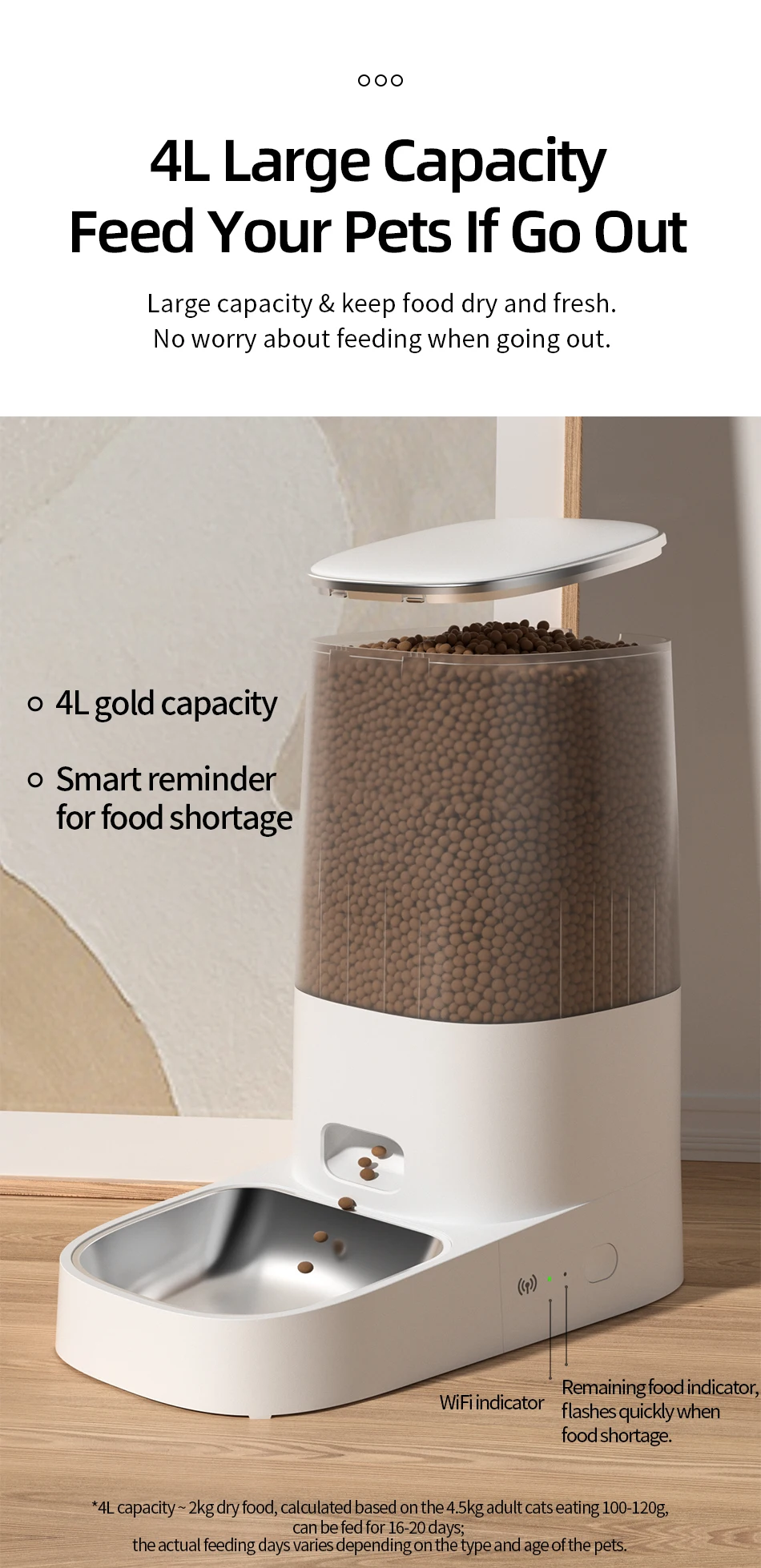
Nuestro comedero automático de 4 litros para gatos puede alimentar a tu mascota durante 2 o 3 semanas, ideal para mascotas pequeñas y medianas. Ya no tendrás que preocuparte por madrugar, trabajar horas extras, viajar o quedarte sin comida.
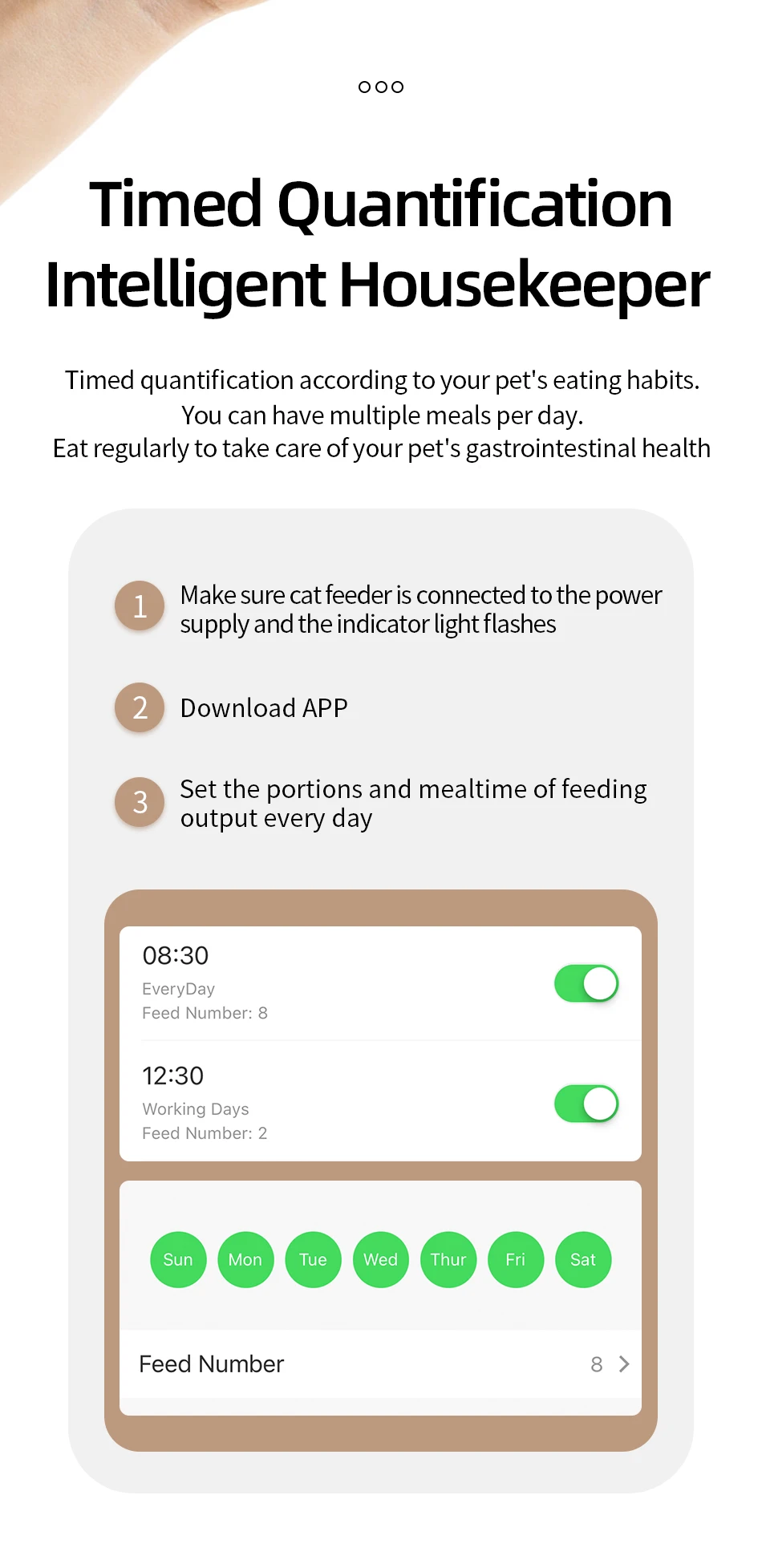
Versión wifi: permite programar 10 comidas al día, hasta 60 porciones por comida, de 6 ± 2 g cada una.
Solo tienes que configurar el número de comidas y las porciones, y el comedero alimentará automáticamente a tu mascota. No tendrás que madrugar, incluso cuando viajes, vayas de compras o trabajes. Para prolongar la vida útil del comedero y evitar que la comida se atasque, se recomienda usar alimento seco con un diámetro de 4 a 12 mm.
Características:
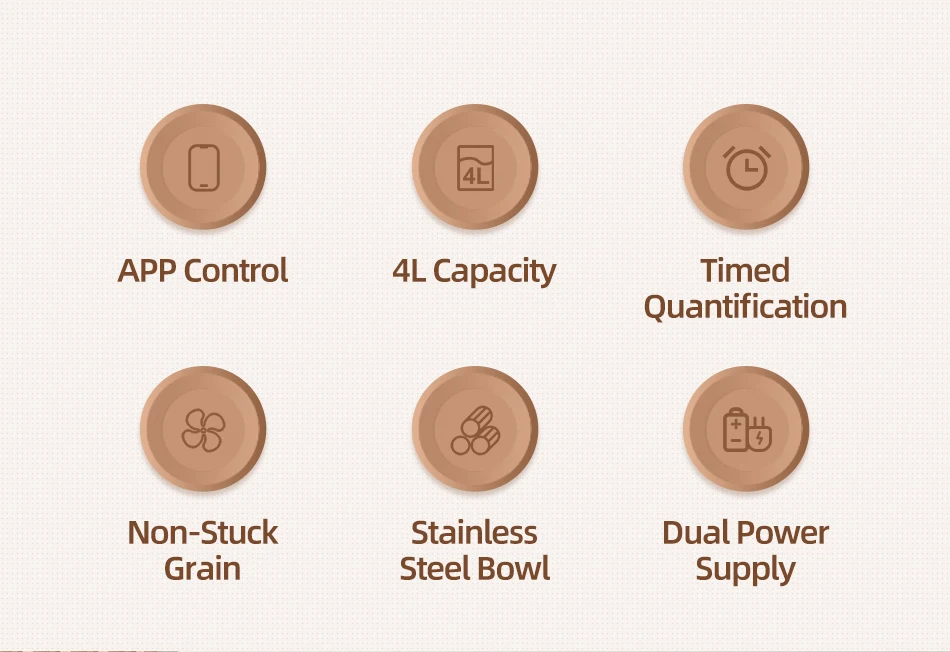
Versión WiFi
Aplicación fácil de usar
Frescura en cada bocado
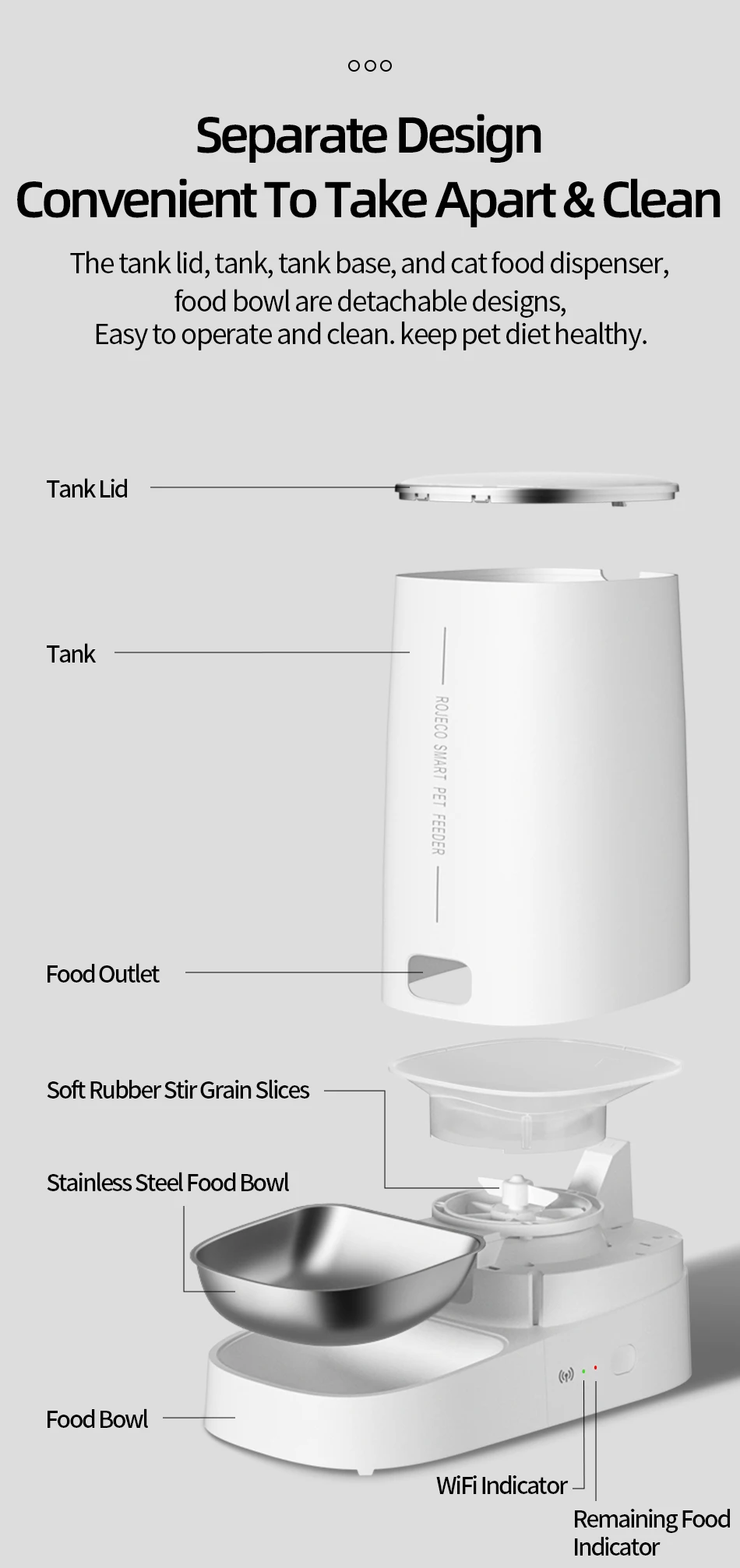
Diseño desmontable para facilitar la limpieza
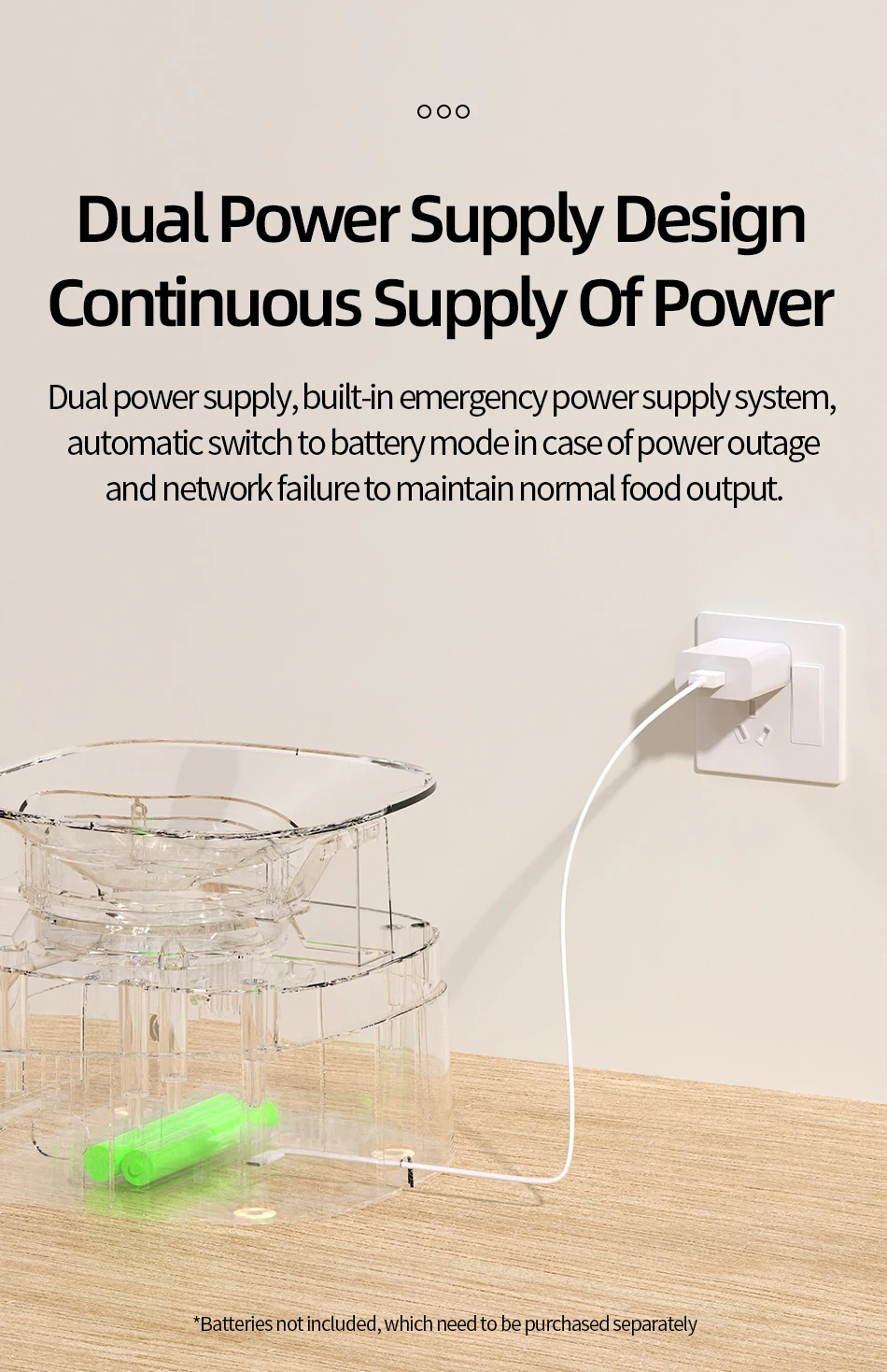
Doble fuente de alimentación (batería no incluida)
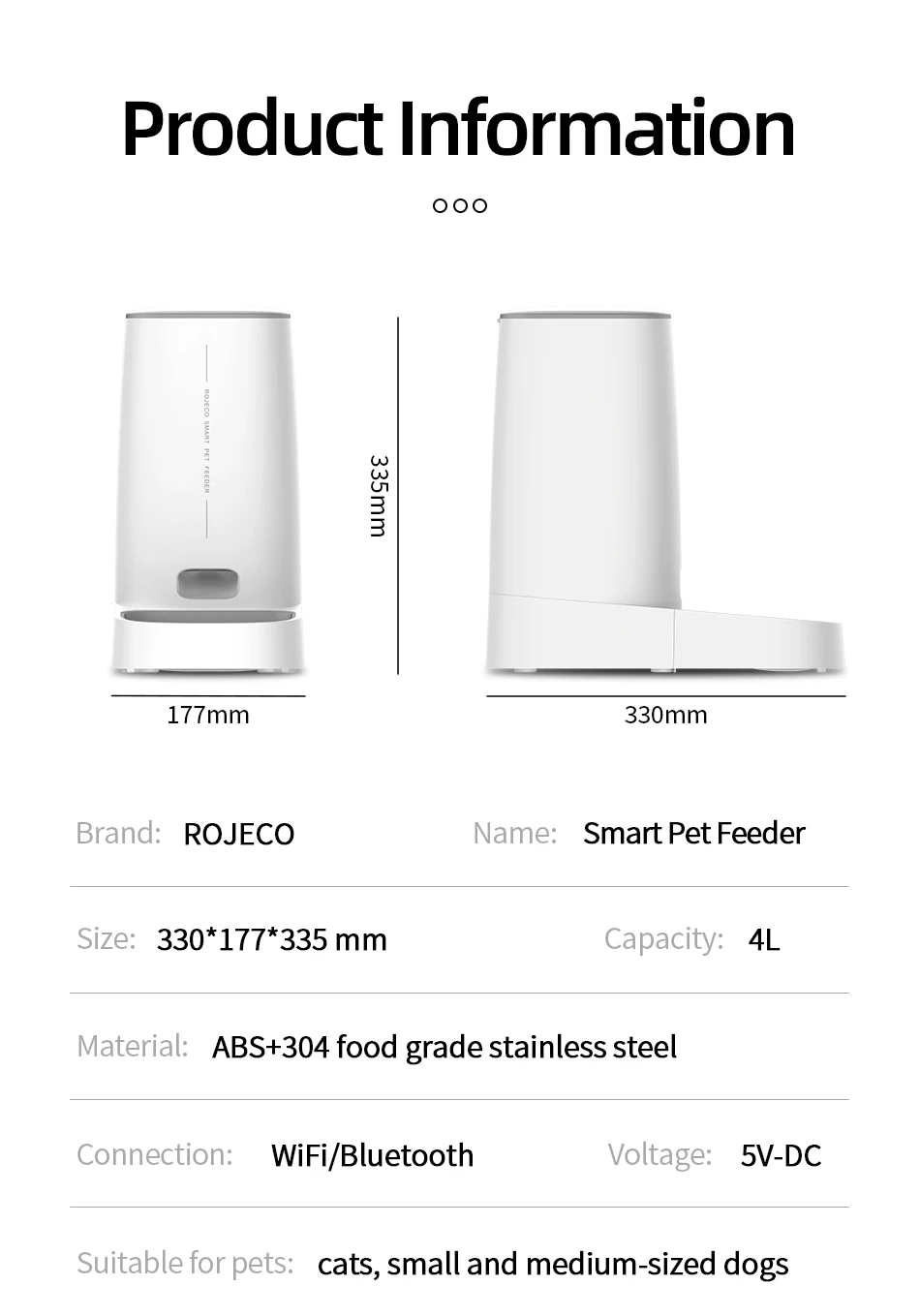
Nombre del producto: Comedero automático para mascotas ROJECO
Modelo: PTM-001 (WiFi)
Color: Blanco
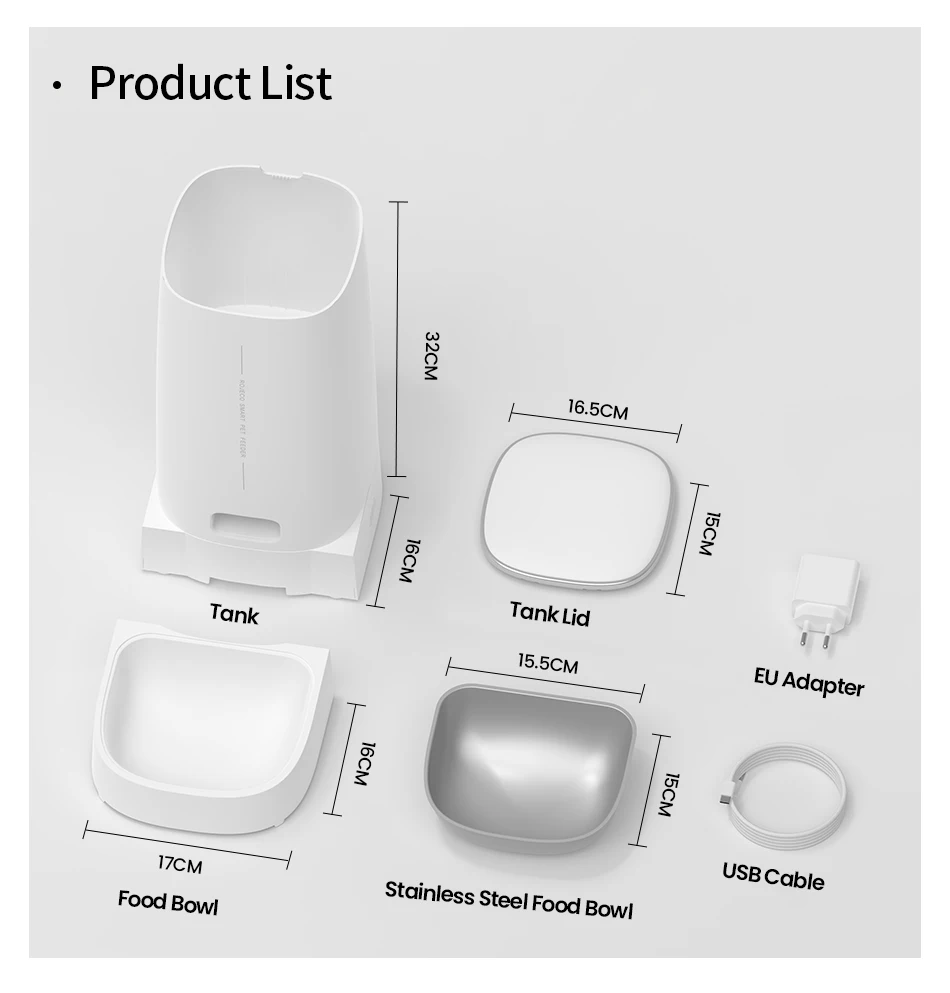
Tamaño: 18.2 x 18.2 x 35 mm
Capacidad: 4 L
Material: ABS/SUS 304/PC
Parámetros de entrada: 5 V CC/1 A
Modo de conexión: Versión WiFi
Requisitos de batería: 4 pilas AA (no incluidas)
Atención:
1. No se recomienda para mascotas menores de tres meses. 2. Se recomienda usarlo en interiores, no exponerlo directamente a la luz solar y mantenerlo alejado del fuego.
3. Utilice el adaptador de corriente original para evitar daños o fallos en el dispositivo.
4. Está estrictamente prohibido sumergirlo en agua.
5. Para evitar que las mascotas se caigan sobre el comedero, se recomienda colocarlo en una esquina o contra la pared.
6. Los niños deben usarlo bajo la supervisión de un adulto.
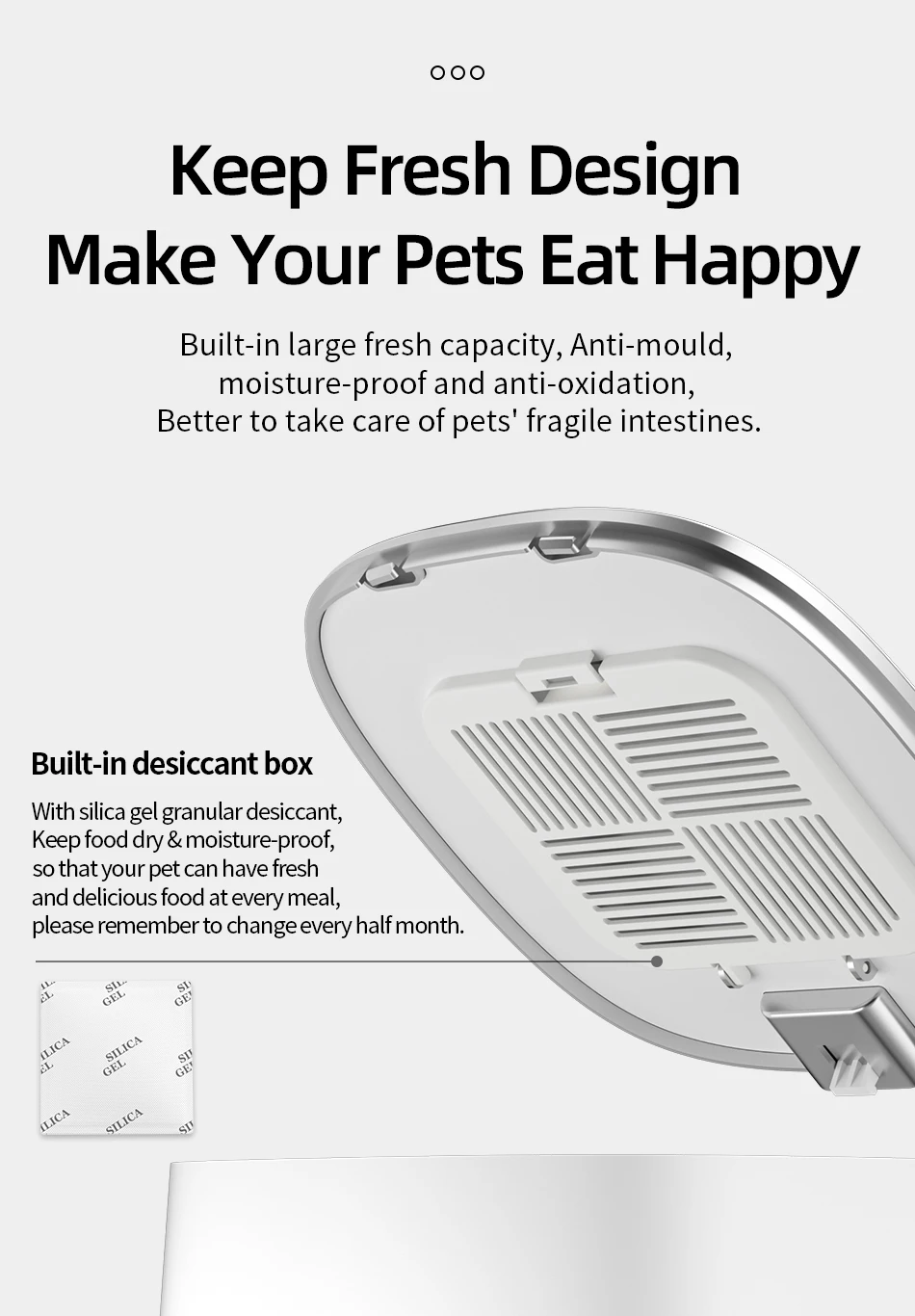
7. No sumerja el desecante en agua. Si se daña, no lo utilice.
8. Si mueve o deja de usar el producto, desconecte el cable de alimentación y retire la batería inferior.
9. Excepto el personal de mantenimiento, no desmonte ni repare el producto para evitar lesiones accidentales.
1.Add Food
2.Press the lid button to open and add food
3.Add Desiccant
4.Take off the lid and open the desiccant box, place the desiccant then close it
5.Install the Food Bowl
6.Place the bowl on ground and main body stuck down, as the picture shows
7.Power-On: Connect charging cable to power supply and type-C charging port at the bottom of feeder
9.Add Pet dry food and put the lid(Suitable for 4-12mm (0.16-0.47in) diameter dry food)
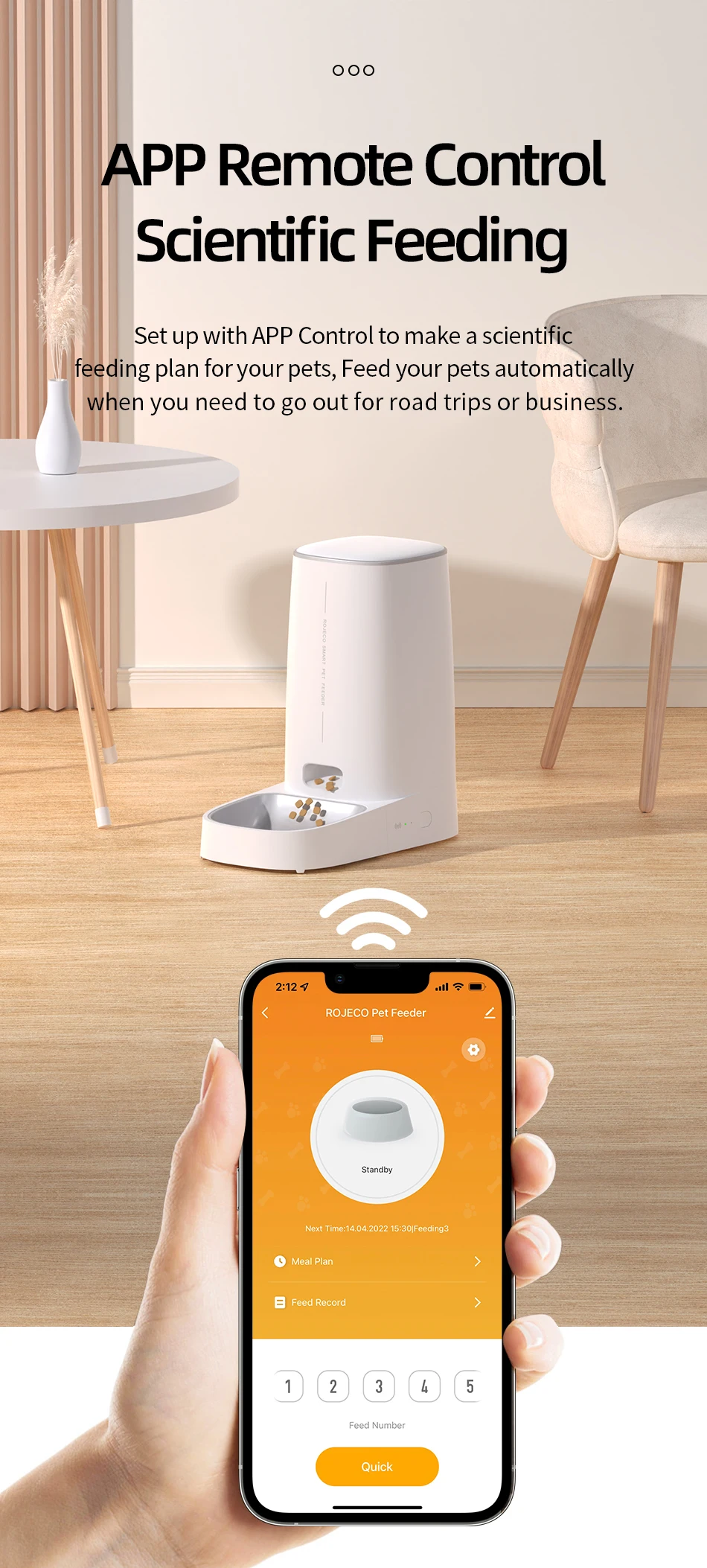
1.Download the APP "ROJECO" from APP store or Android APP Market
2.Then " +Add Device" On the the home page, please connect the device with the reminder
3.Note: Please make sure the bluetooth is turn on when connecting to the network for the first time.
4.Scan the code to download the "ROJECO" APP
Set the feeding plan in the APP after connected, it could automatically fed as schedule, also can receive feeding records everytime.
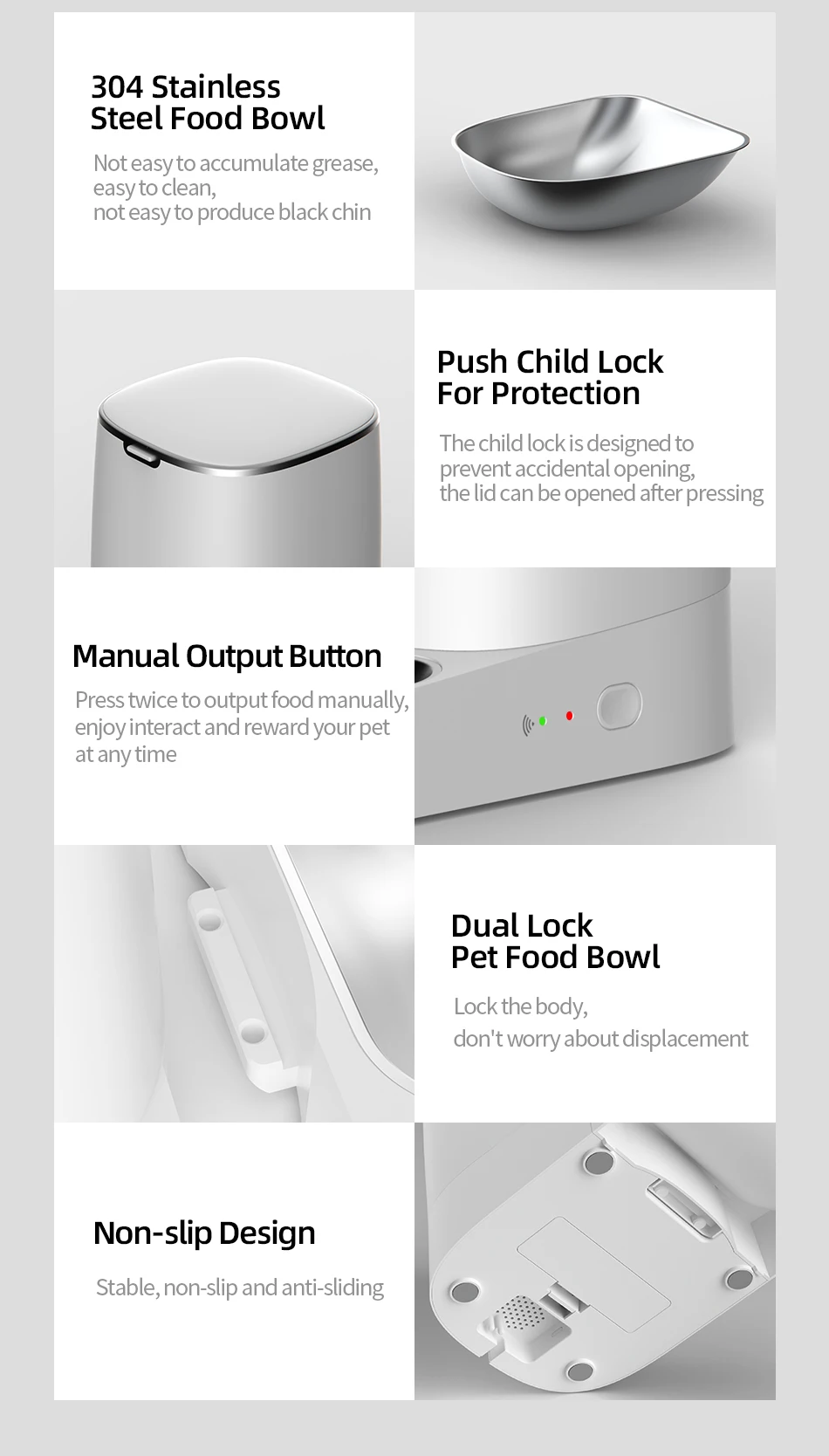
Double click the manual feeding button then give one portion of the food(about 5g) each time.
(It also can be controlled by APP)
Hold the feeding button for 5 Seconds, the wifi/bluetooth indicator flash quickly then reset succeeds.
Green light slowly flashes: Waiting for connection
Green Light stays on: Connected
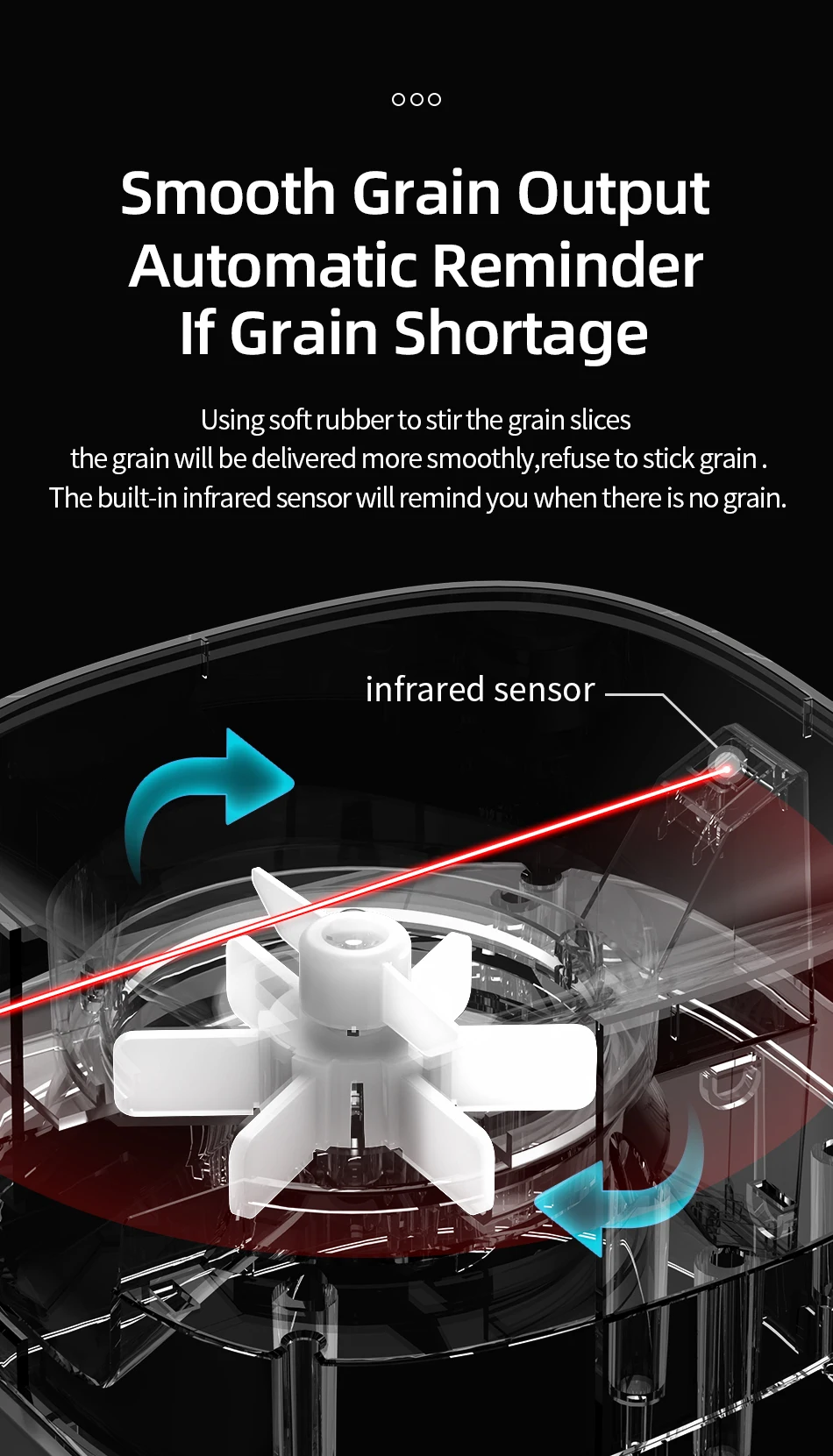
Red Light slowly flashes: Lack of food
Red light quickly flashes: Feeder is stuck
Red light off: Enough food
Question1: Why network connecting is not successful?
Answer: 1.Confirm whether it is tourist mode, please register for the APP account on first using.
3. Please make sure to use 2.4G WiFi network, this product does not support 5G WiFi.
4. Please make sure that the WiFi working on good condition, it is recommended that the distance is not more than 20 meters to avoid poor network connecting.
Answer: If there is no distribution network for a long time after booting, it is possible to search for the device when the network is distributed again, please press the feeding button for 6S, and then add the device to search for the device.
Answer: 1.Please check whether remaining food is sufficient.
2.Please make sure that pet food is dry food, this product only supports dry food used.
Answer: 1.Please check whether the plug is correctly connected to the power supply,